Apple CarPlay and Android Auto Installation
Maps, music, messages and voice control on the dash are now expected, even in cars that were built before CarPlay and Android Auto existed. We add them with a new touchscreen head unit or, where the factory screen allows it, a plug-in upgrade module, and we install both at your home or workplace in Nashville and across Middle Tennessee.
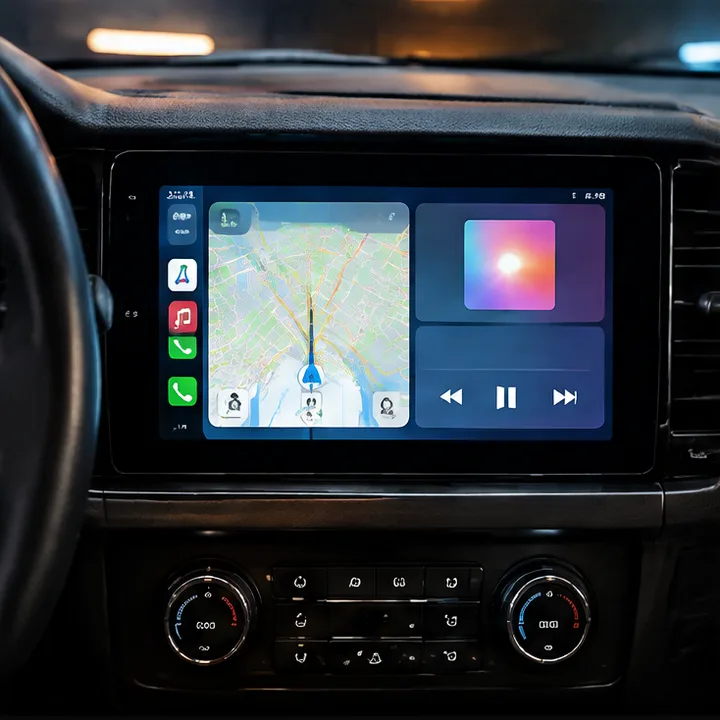 SVC 002Apple CarPlay and Android Auto InstallationSource A: Radios
- ScopeWired and wireless CarPlay and Android Auto
- MethodsNew head unit or factory screen upgrade module
- ExtrasBackup camera, microphone and steering wheel controls
- ResultYour phone's apps on the dash, safely
What is in the plan
- 1The right route for your carSome cars suit a new head unit and others suit a factory upgrade, and we explain which keeps the most features.
- 2Microphone placed for clear callsThe mic goes where it hears you best and away from vents, so voice commands and calls work well.
- 3Wireless set up properlyWe position antennas and update settings so wireless connections stay stable on the road.
- 4Factory features keptWe keep climate controls, parking sensors and the camera working wherever the car allows it.
From your call to a finished install
We come to homes and workplaces across Nashville and Middle Tennessee. Find your city below and tell us about the vehicle.
- 1Tell us about the vehicleCall, text or send the form with the year, make and model, the radio you have now and what you want it to do, such as CarPlay, a bigger screen or steering wheel controls.
- 2We plan the partsWe confirm the dash kit, wiring harness, antenna adapter and interface modules that fit your exact vehicle, so nothing is cut or guessed.
- 3We install at your locationA technician drives to your home or workplace, protects the interior, fits the new unit with plug-in adapters and tests every function.
- 4We set it up with youWe pair your phone, set the sound, show you the features and leave the original parts in a bag so the car can go back to stock.
Is this the right install?
- Cars built before smartphone integration
- Owners who want maps and music on the dash
- Drivers who want hands-free calls and voice control
- Anyone who wants a bigger, brighter screen
Common questions
Can I get wireless CarPlay in an older car?
Yes. Many head units offer wireless CarPlay and Android Auto, and some adapters add it to wired systems. We recommend the option that fits your phone and your car.
Will I lose my factory features?
Not usually. With the right interface we keep steering wheel controls, the backup camera and many factory functions, and we explain any limits before the install.
Where do you work?
Car Audio Nashville works at homes and workplaces across Nashville and Middle Tennessee, from Clarksville and Springfield to Murfreesboro, Lebanon, Franklin, Columbia and Ashland City. Use the city finder on this page to open yours.
How do I get started?
Call (615) 925-3897 or send the form on this page with your city, the vehicle and a few words about what you want. We reply with clear next steps and schedule your install.
Installs that pair with this one
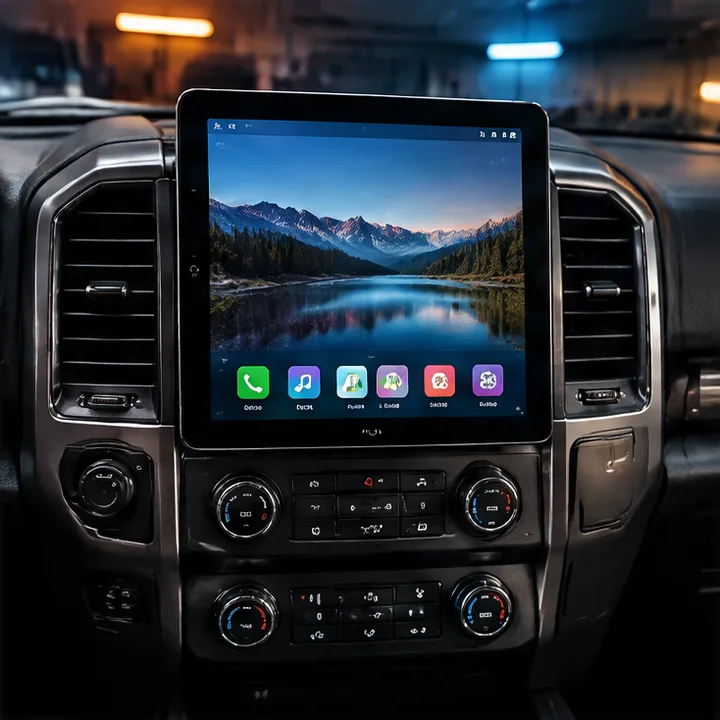 Touchscreen Head Unit InstallationBig touchscreen radios fitted cleanly in cars, trucks and SUVs, with camera, controls and sound set up.See the installSVC 007
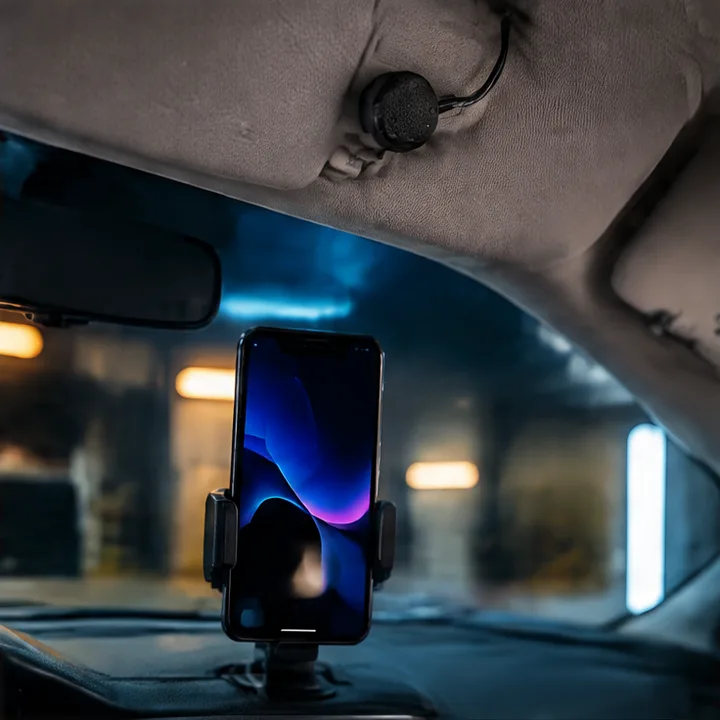 Bluetooth Hands-Free InstallationAdd Bluetooth calling and music streaming to older cars, with a microphone placed for clear calls.See the installSVC 004
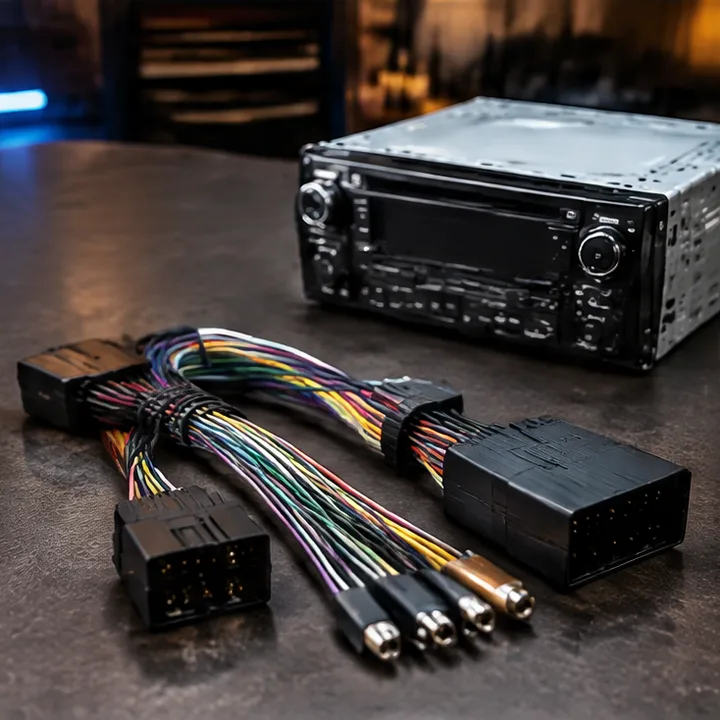 Factory Radio Upgrade and IntegrationUpgrade a factory radio while keeping the screen, controls and chimes: integration for Nashville vehicles.See the install
Find your city
Pick your city to open the page for apple carplay and android auto installation near you.