USB and Media Integration
Charging and playing music from your phone should not mean a cable dangling across the console. We install USB and auxiliary inputs into the dash, console or glove box with clean trim, connect them to your radio or processor and test charging and playback, so your phone, a flash drive or another device connects in a second.
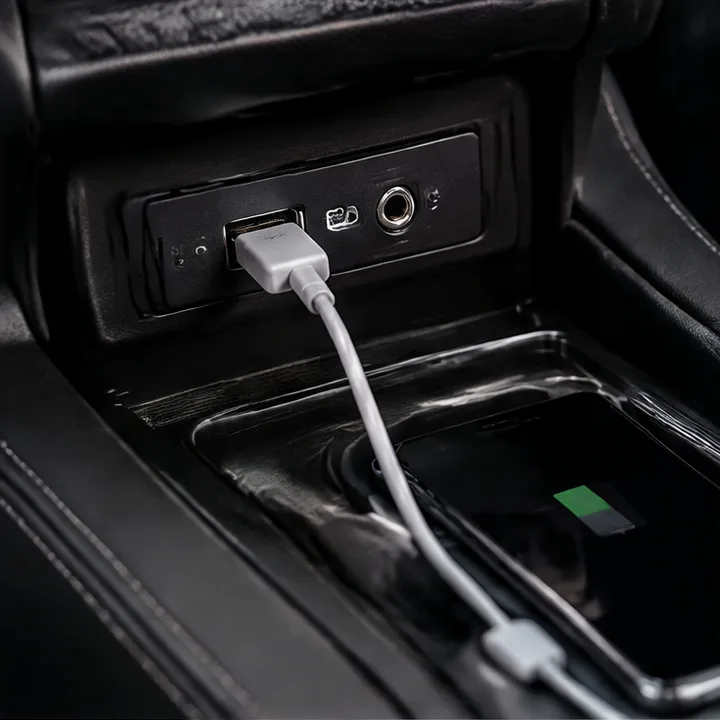 SVC 008USB and Media IntegrationSource A: Radios
- ScopeUSB, auxiliary and HDMI inputs and charging ports
- MountingDash, console, glove box or armrest
- Connects toAftermarket and many factory radios
- ResultClean, easy media connections
What is in the plan
- 1Port placed where you reach itWe choose a spot that is easy to reach and looks like it belongs in the car.
- 2Charging that worksWe use proper power and fuses, so ports charge phones reliably without damaging the car's electronics.
- 3Connected to the radioThe port is wired to the radio input, so music, navigation and charging all work together.
- 4Clean trim workWe cut and mount neatly, so the finished panel looks like it came from the factory.
From your call to a finished install
We come to homes and workplaces across Nashville and Middle Tennessee. Find your city below and tell us about the vehicle.
- 1Tell us about the vehicleCall, text or send the form with the year, make and model, the radio you have now and what you want it to do, such as CarPlay, a bigger screen or steering wheel controls.
- 2We plan the partsWe confirm the dash kit, wiring harness, antenna adapter and interface modules that fit your exact vehicle, so nothing is cut or guessed.
- 3We install at your locationA technician drives to your home or workplace, protects the interior, fits the new unit with plug-in adapters and tests every function.
- 4We set it up with youWe pair your phone, set the sound, show you the features and leave the original parts in a bag so the car can go back to stock.
Is this the right install?
- Cars with no USB port
- Drivers with a cable that never reaches
- Owners who play media from phones or drives
- Families who want charging in the back
Common questions
Can you add a USB port to an older radio?
Often yes. If the radio has a media input, we extend it to a port you can reach. Otherwise a new radio or an adapter gives you the same convenience.
Will extra charging ports drain my battery?
No, when wired to a switched power source. We connect them so they work with the car and do not draw power when it is off.
Where do you work?
Car Audio Nashville works at homes and workplaces across Nashville and Middle Tennessee, from Clarksville and Springfield to Murfreesboro, Lebanon, Franklin, Columbia and Ashland City. Use the city finder on this page to open yours.
How do I get started?
Call (615) 925-3897 or send the form on this page with your city, the vehicle and a few words about what you want. We reply with clear next steps and schedule your install.
Installs that pair with this one
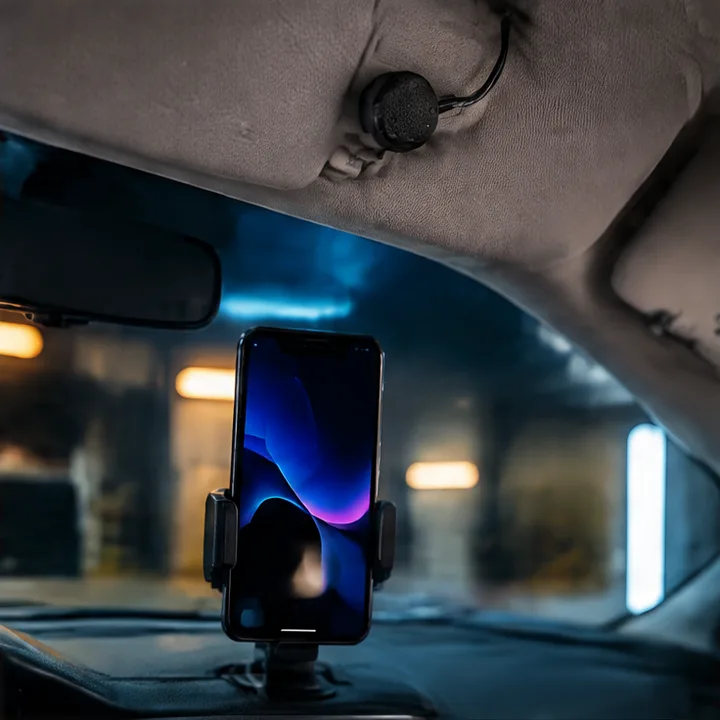 Bluetooth Hands-Free InstallationAdd Bluetooth calling and music streaming to older cars, with a microphone placed for clear calls.See the installSVC 001
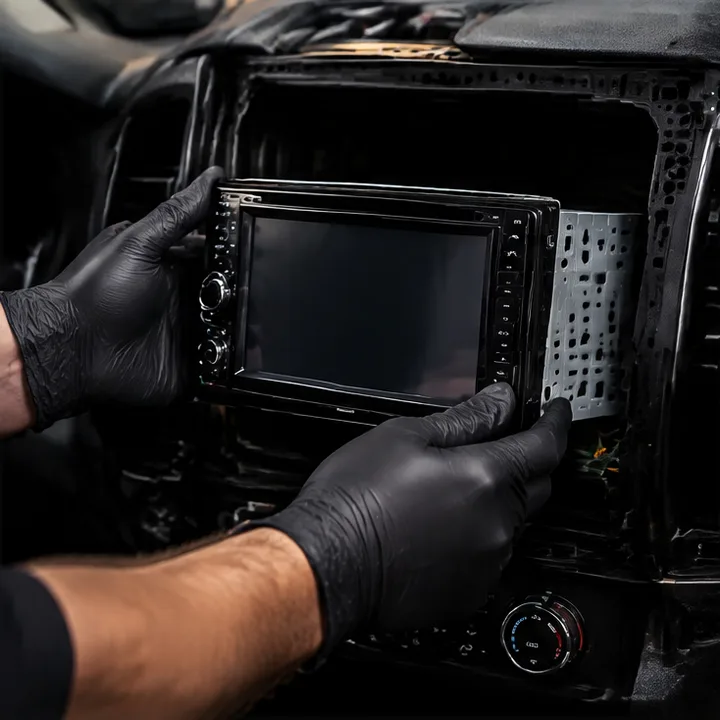 Car Stereo InstallationMobile car stereo installation in Nashville: new head units fitted with plug-in adapters, at your home or work.See the installSVC 006
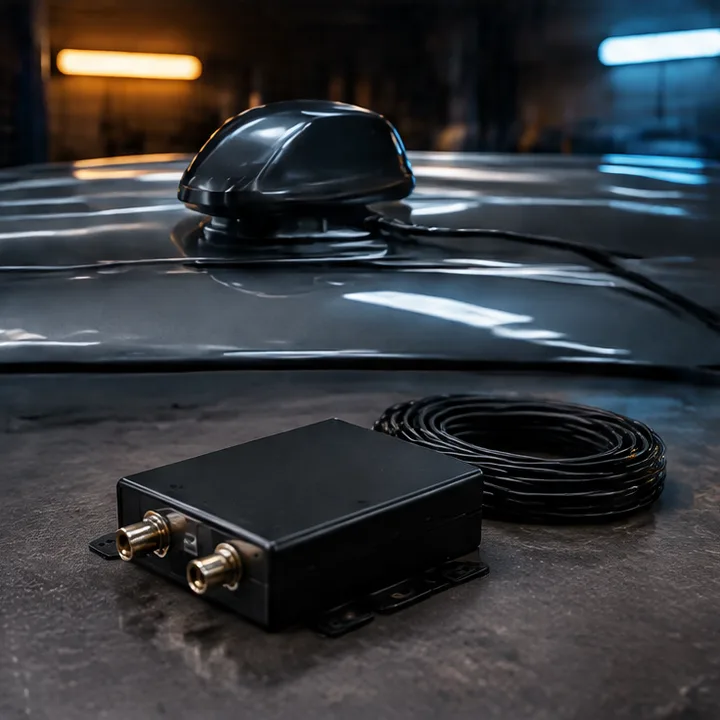 Satellite Radio InstallationSatellite radio tuners and antennas installed and hidden neatly, with the best view of the sky.See the install
Find your city
Pick your city to open the page for usb and media integration near you.